
Text-to-Image AI · Stable Diffusion
Describe your vision, generate stunning art instantly.
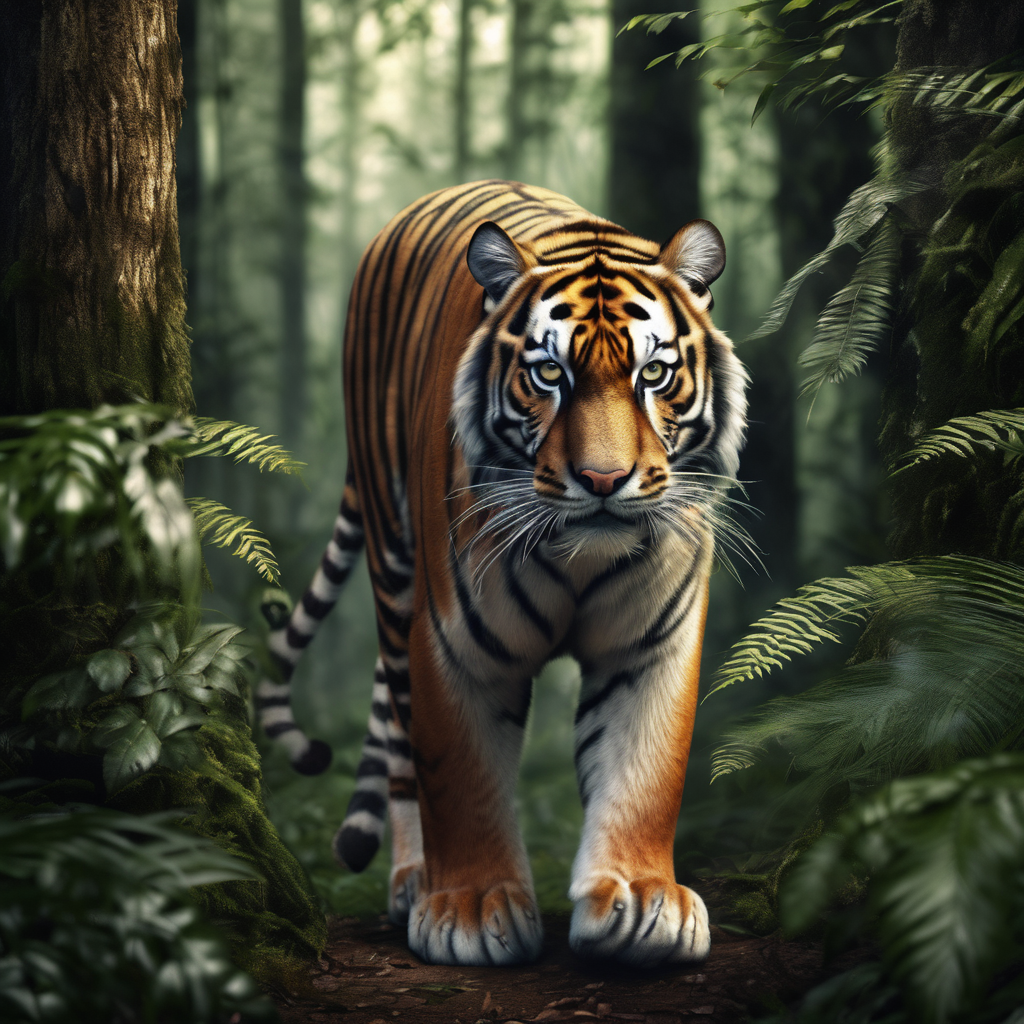
Revolutionize Visual Content with Our Text-to-Image AI
Welcome to the future of visual content creation. Our Text-to-Image AI empowers you to effortlessly generate stunning images directly from text input. Whether you're a marketer, designer, or content creator, our tool simplifies image creation.
- AI-Powered Precision – Cutting-edge AI ensures precise, realistic image generation.
- Effortless Automation – Say goodbye to manual creation.
- Versatile Applications – Perfect for product visuals, blog graphics, social media.
- User-Friendly Interface – Accessible from anywhere.
Powered by Stable Diffusion – a deep learning, text-to-image model.
These parameters give you finer control over the image generation process. Adjusting them can dramatically change the quality, style, and coherence of your results.
🎯 CFG Scale (Classifier-Free Guidance)
What it does: Controls how strictly the AI follows your prompt. Higher values make the image adhere more closely to your description, while lower values give the AI more creative freedom.
How to use: Start at 7 (default). If the image doesn't match your prompt, increase to 9-11. If it looks too rigid or oversaturated, decrease to 5-6.
💡 Range: 7–12 recommended🔢 Steps (Sampling Steps)
What it does: The number of refinement passes the AI makes. More steps = more detail and better quality, but longer generation time.
How to use: 20-30 steps are usually enough for good results. 40-50 for maximum detail (slower). Below 20 may look unfinished or noisy.
💡 Optimal: 20–50 steps🎲 Seed & Subseed
What it does: The seed determines the initial noise pattern. Using the same seed + prompt recreates the same image. Subseed adds a secondary variation layer.
How to use: Leave at -1 for random seeds. When you find an image you like, copy its seed value to recreate it or make subtle variations. Subseed strength of 0.3-0.7 creates nice variations while keeping the core composition.
💡 Subseed Strength: 0–1 range⚙️ Sampler & Scheduler
What they do: The sampler is the algorithm that removes noise from the image. Different samplers create different "styles" and quality levels. The scheduler controls how noise is removed over time.
How to use: DPM++ 2M (with Karras scheduler) is our default and gives excellent quality-to-speed ratio. For more artistic/flux results, try Euler a or DPM++ SDE.
💡 DPM++ 2M + Karras = reliable high quality🌀 Denoising Strength
What it does: Controls how much the image changes from the initial noise. Higher values = more dramatic changes, lower = closer to the original composition.
How to use: For completely new images, keep at 0.75-0.85. For subtle tweaks to an existing image, use 0.4-0.6. This is especially useful for img2img workflows.
💡 0.7–0.9 for strong variations❌ Negative Prompt
What it does: Tells the AI what to avoid. Essential for preventing common artifacts like distorted faces, extra limbs, or unwanted styles.
How to use: Always include terms like "ugly, blurry, deformed, low quality, bad anatomy". Add specific terms if you see recurring issues (e.g., "watermark" if you get watermarks).
💡 "blurry, ugly, deformed, low quality, bad anatomy"Pro Tip: Start with the defaults and adjust one parameter at a time to see its effect. This helps you understand how each setting impacts your images.
Prompts are text-based instructions that guide AI models. Well-crafted prompts give the AI a clear framework, resulting in images that match your vision.
What to include in your prompt
| Tip | Description |
|---|---|
| Define Your Subject | Clearly outline characteristics. |
| Choose Medium/Style | Photo, painting, 3D render, etc. |
| Detail the Scene | Background, weather, time of day. |
| Specify the Style | Realism, surrealism, impressionism. |
| Include Lighting & Detail | Backlight, highly detailed, etc. |
| State Composition | Aerial view, close-up, full body. |
| Define Color Scheme | Name colors or describe scheme. |
| Add Enhancing Details | Descriptive adjectives. |
| Use Open-ended Questions | Stimulate creative thinking. |
| Negative Prompts | Specify what to avoid. |
| Keyword Weights | Use (keyword:1.5) to adjust strength. |
Prompt: Beautiful girl in long dress walking on cobblestone street...
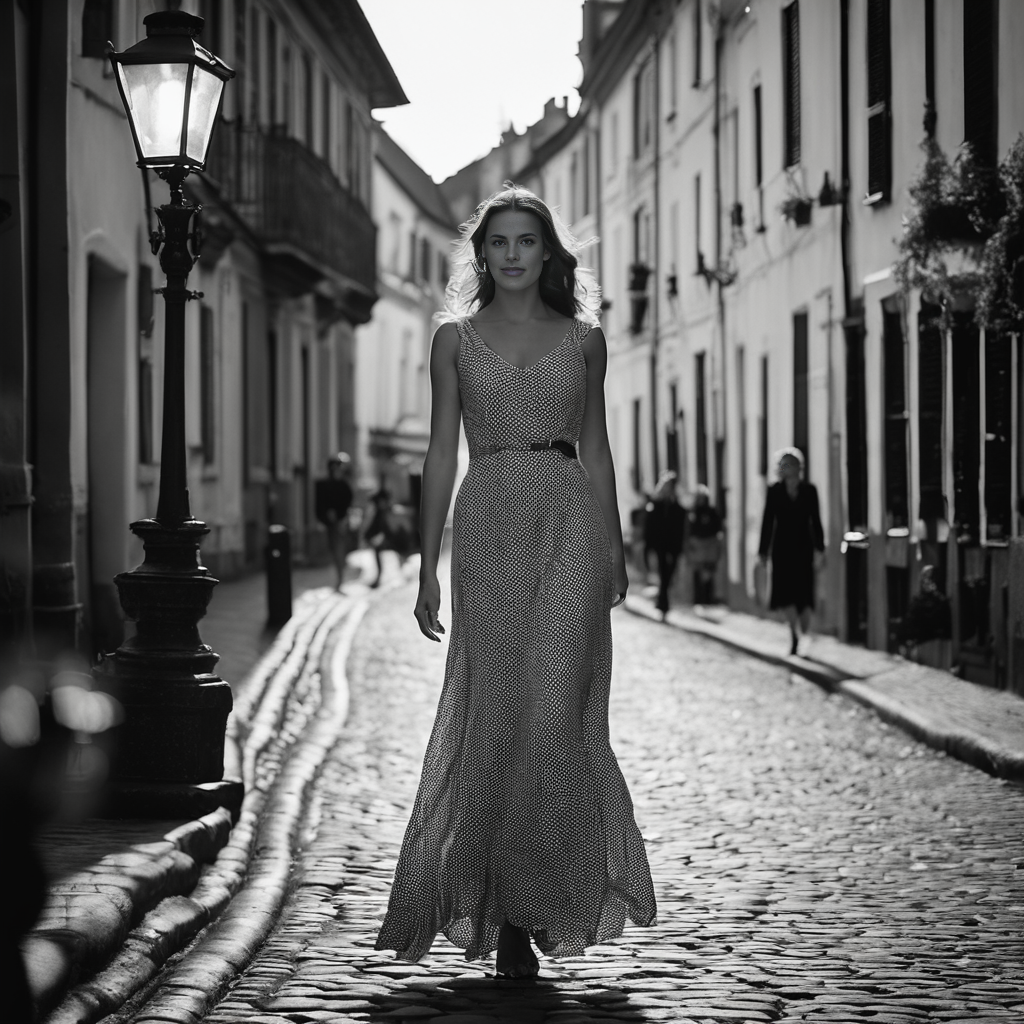
Here are some ideas for you to work with when creating and refining AI images...
Understanding the Advanced Parameters
SDXL gives you several advanced parameters that control how the image is generated. Understanding these will help you create a consistent AI persona.
| Parameter | What it does | Good starting point |
|---|---|---|
| Seed | Controls the initial random noise used to create the image. | Save successful seeds |
| Steps | Controls how many refinement steps the model takes. | 30–40 |
| CFG / Guidance | Controls how strongly the image follows your prompt. | 5.5–7 |
| Sampler | Determines the mathematical method used to generate the image. | DPM++ 2M Karras |
| Aspect Ration and Resolution | Sets the dimensions of the initial image. | 768 × 1024 |
| Denoising Strength | Controls how much an img2img or upscaling process changes the original image. | 0.25–0.40 |
Understanding the Seed
The seed is one of the most useful parameters when creating a recurring AI character. It determines the initial random noise from which SDXL builds the image.
If you generate an image using a particular seed, prompt, model and settings, using the same combination again will generally produce the same basic image.
Seed: 184729381
Save that seed along with the image. You can then experiment with the prompt while keeping the seed unchanged. This can help you explore variations while retaining some of the underlying characteristics of the original generation.
Try keeping the seed while changing:
- Her jacket
- The background
- The lighting
- The camera angle
For reliable character consistency, use the seed together with a consistent character description.
Creating Your Character
1 Find Her Face
Keep your prompt almost completely fixed and generate a large batch of images using different seeds. You might generate 50–100 portraits while looking for the face that best represents your character.
Don't worry too much about the clothing or background at this stage. The goal is to find the character herself.
When you find a portrait you love, record:
- Model Your SDXL model
- Sampler DPM++ 2M Karras
- Steps 20
- CFG 6
- Resolution 768 × 1024
- Seed Save this!
2 Explore the Character
Once you have a face you like, keep the important identity description consistent while experimenting with clothing, hairstyles, expressions, lighting, environments and poses.
Backstage
Preparing for tonight's performance in a dark backstage corridor.
Recording Studio
Recording vocals in a vintage studio with headphones around her neck.
Live Performance
Performing passionately into a vintage microphone under dramatic stage lighting.
Album Cover
A dramatic minimalist portrait with an intense gaze.
A Useful Seed Experiment
When you find a promising portrait, don't immediately change everything. Instead, make controlled variations.
Original
Seed: 184729381
Black leather jacket
Backstage
85mm lens
Variation 1
Same seed
Same character description
Red leather jacket
Variation 2
Same seed
Same character description
Concert stage instead of backstageFor a recurring musician, the strongest identity anchors will usually be things such as:
Elements such as a leather jacket, concert lighting and a backstage setting are primarily style & environment, so they can usually be changed more freely.
Save the Complete Generation Settings
The seed is important, but don't save only the seed. For your best images, save the complete generation information.
Related Apps:
- AI Photo Restoration
- ColorReviveAI - colorize photos
- Photo Background Changer
- Background Remover
- Exif Viewer
Tip: Download your image and use the Exif Viewer app to view information about how it was generated!